




Workbench
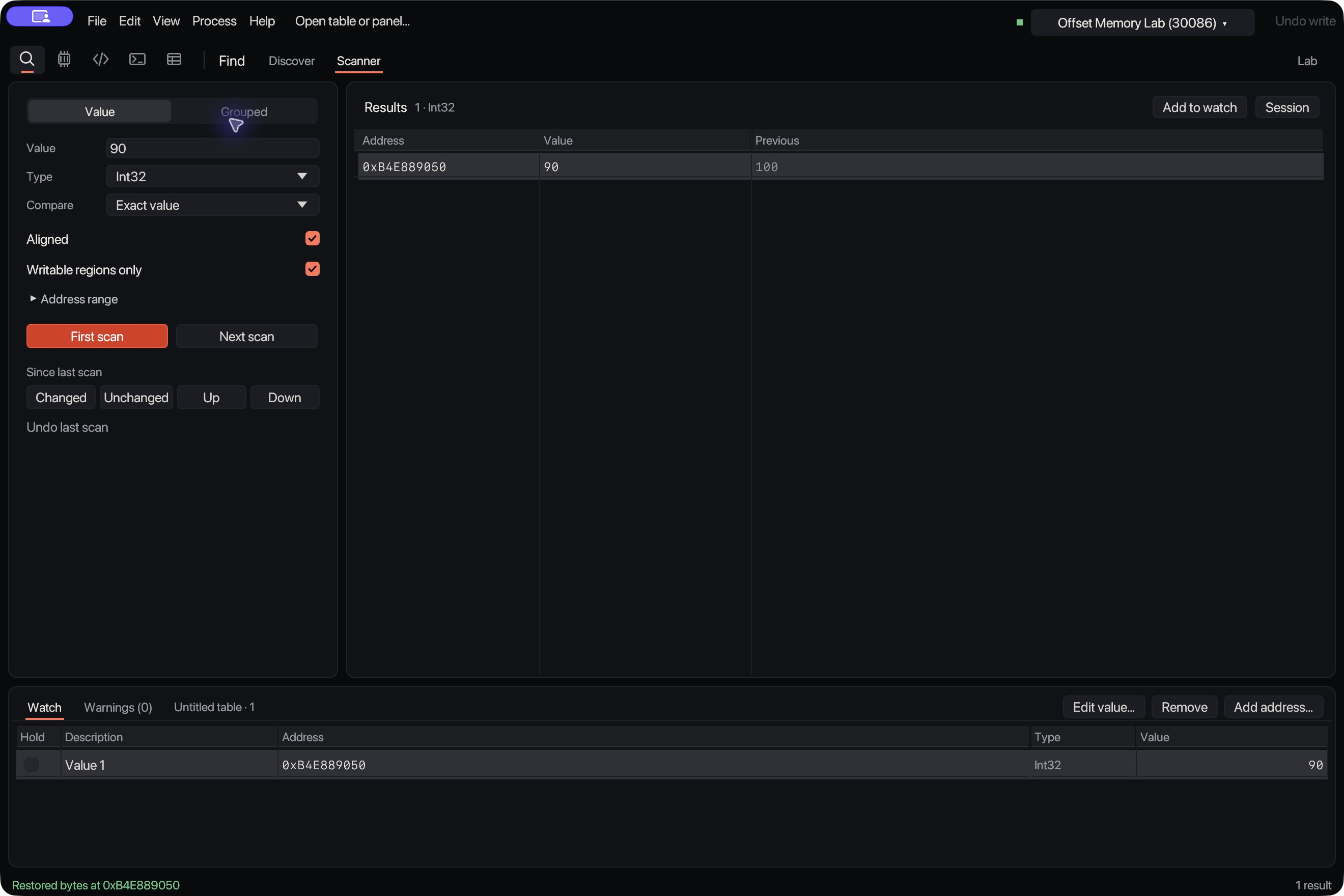
Scan, change, undo.
- ScanSearch for the number the target shows.
- RefineChange it in the target and search again until one address is left.
- EditAdd it to the watch table and type a new value.
- UndoUndo checks the bytes before it puts the old value back. If the target changed them since, it leaves them alone.
Try it.
Health, gold, ammo, timers. Search for the number on screen, change it in the game, search again. Keep going until one address is left.
A browser toy with 1 MiB of pretend memory. Offset does the same thing to a real game.
Pretend game
100hp
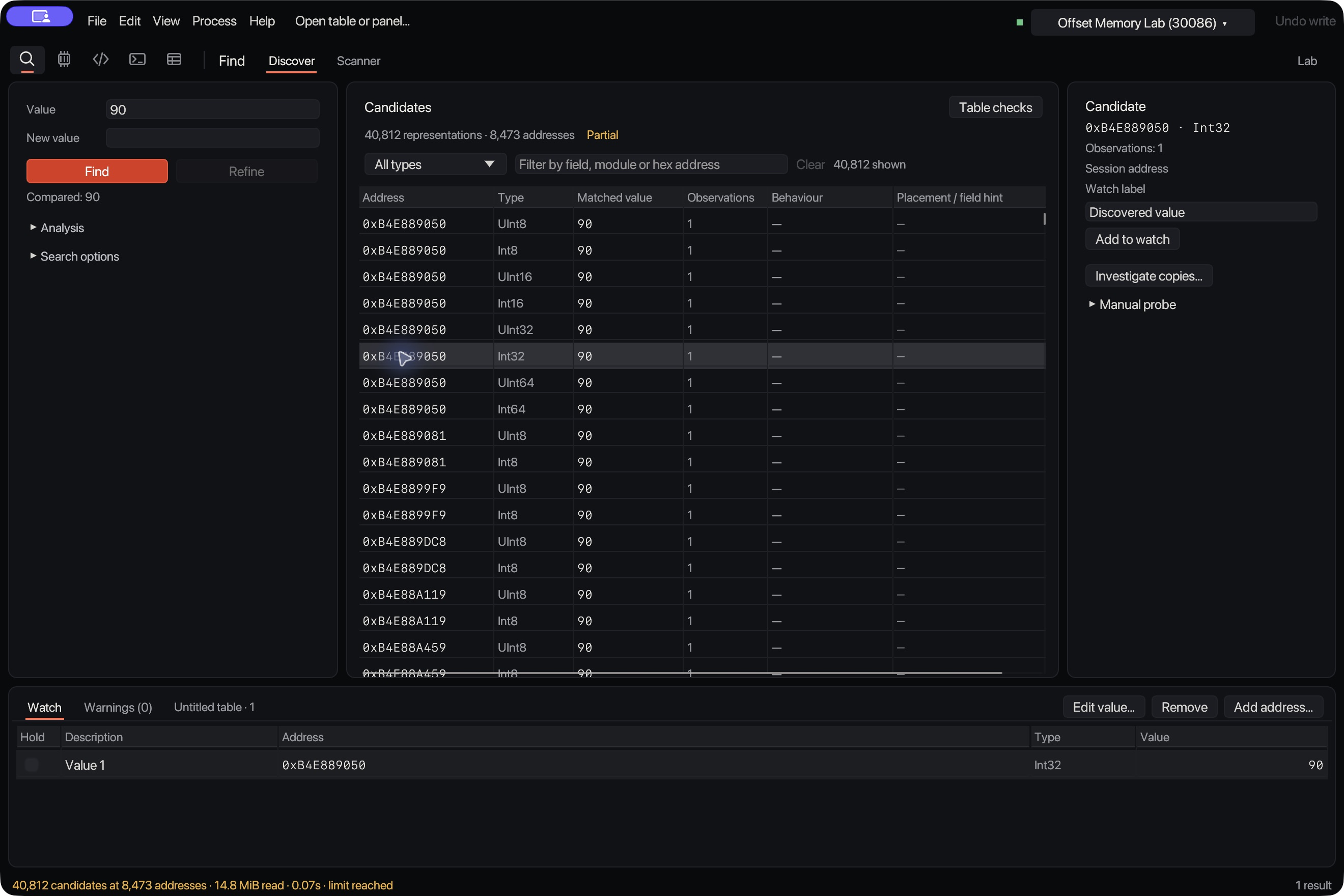
Find the copycats.
Games keep spare copies of a number, and editing a copy does nothing. Offset nudges each candidate, watches which ones follow, then puts back what it changed or tells you when it can’t.
Labels describe what the tested candidates did. They don’t prove which value the application trusts.
Workspaces
Find, Memory, Code, Scripts and Table. Each keeps the tool you used last, and every tool has a keyboard shortcut.
Tools
Find
- Grouped scans
- Search for health, ammo and armour together as a layout of values and gaps.
- Saved scans
- Save an ordinary or unknown-value scan and its previous values. Reopen it for reference, or keep searching in the same game session.
- Cheat tables
- Capture pointer maps, restart the game and compare paths across captures. Check the survivors against the live game before saving. Build guards block paths when the game version changes. Imports never run scripts or turn freeze on.
Change
- Freeze it
- Lock a value while you play. Freeze and minimum holds start off when you open a table.
- Patch live code
- Write assembly, preview the bytes and apply a checked patch. You can also deploy an executable block into the running process; it does not run automatically.
- Save your patches
- Save guarded data patches. Preview the changes, enable them together and restore them with a check first.
- Script the grind
- Run Lua scripts that read and write memory, with no access to your files or the network.
Inspect
- Read the code
- Open an executable without running it. Sections, symbols, disassembly and hex, with checked address mapping. PE, ELF, thin Mach-O or raw bytes.
- Watch writes
- Catch a value changing. Inspect the stop address and stack through LLDB on Apple silicon.
Windows
- Patch files
- Compare original and edited files, preview a patch and apply it to a local NTFS drive with a recovery backup. Export a dedicated file patcher.
- Load DLLs
- Choose a DLL and explicitly load it into a supported Windows x64 process. Track its file identity, result and module address.
- In-game controls
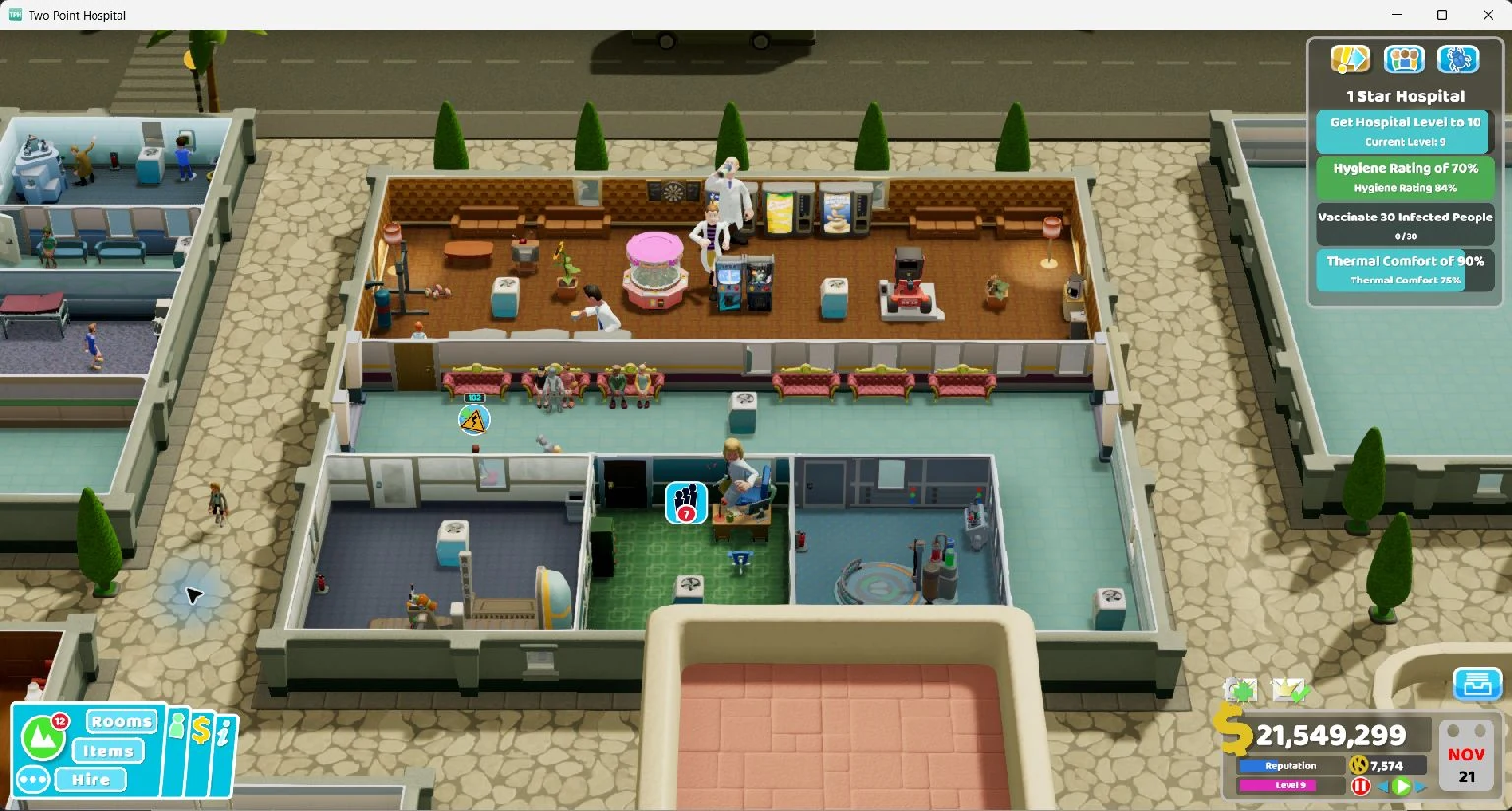
- Show your panel inside compatible Windows DX11 games. Use a shortcut to hide or restore the embedded menu.
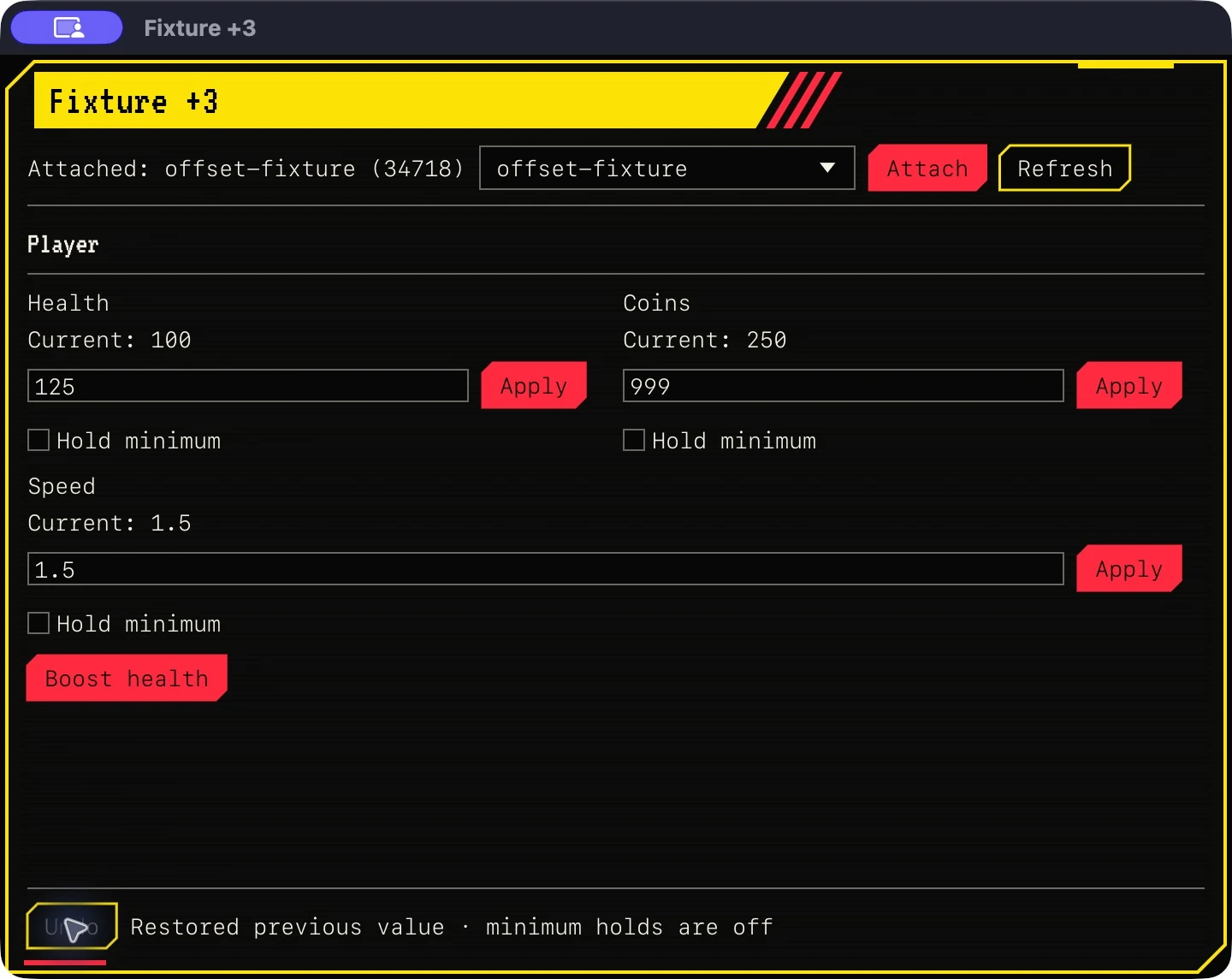
Build your trainer.
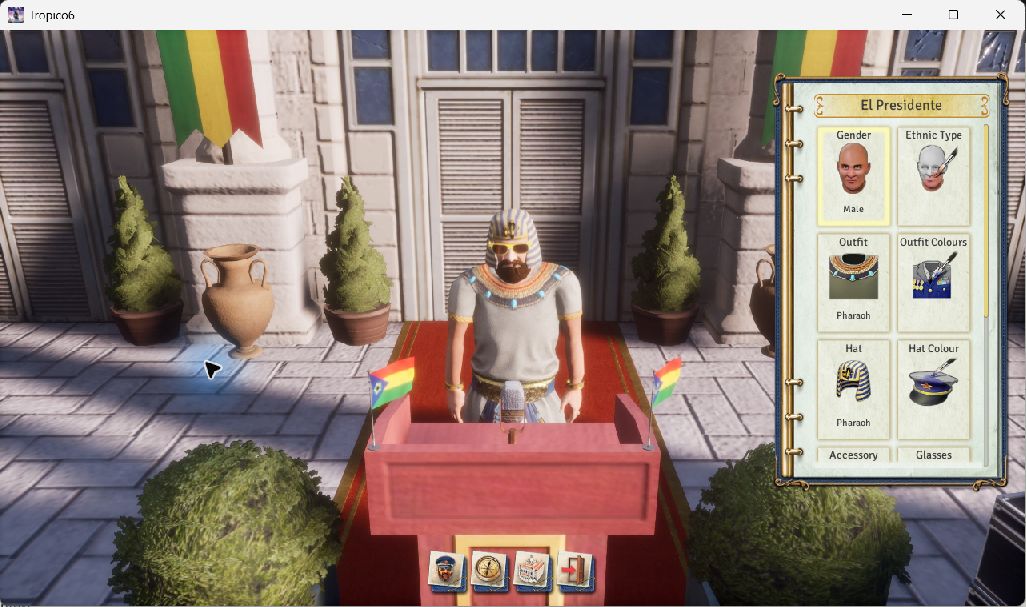
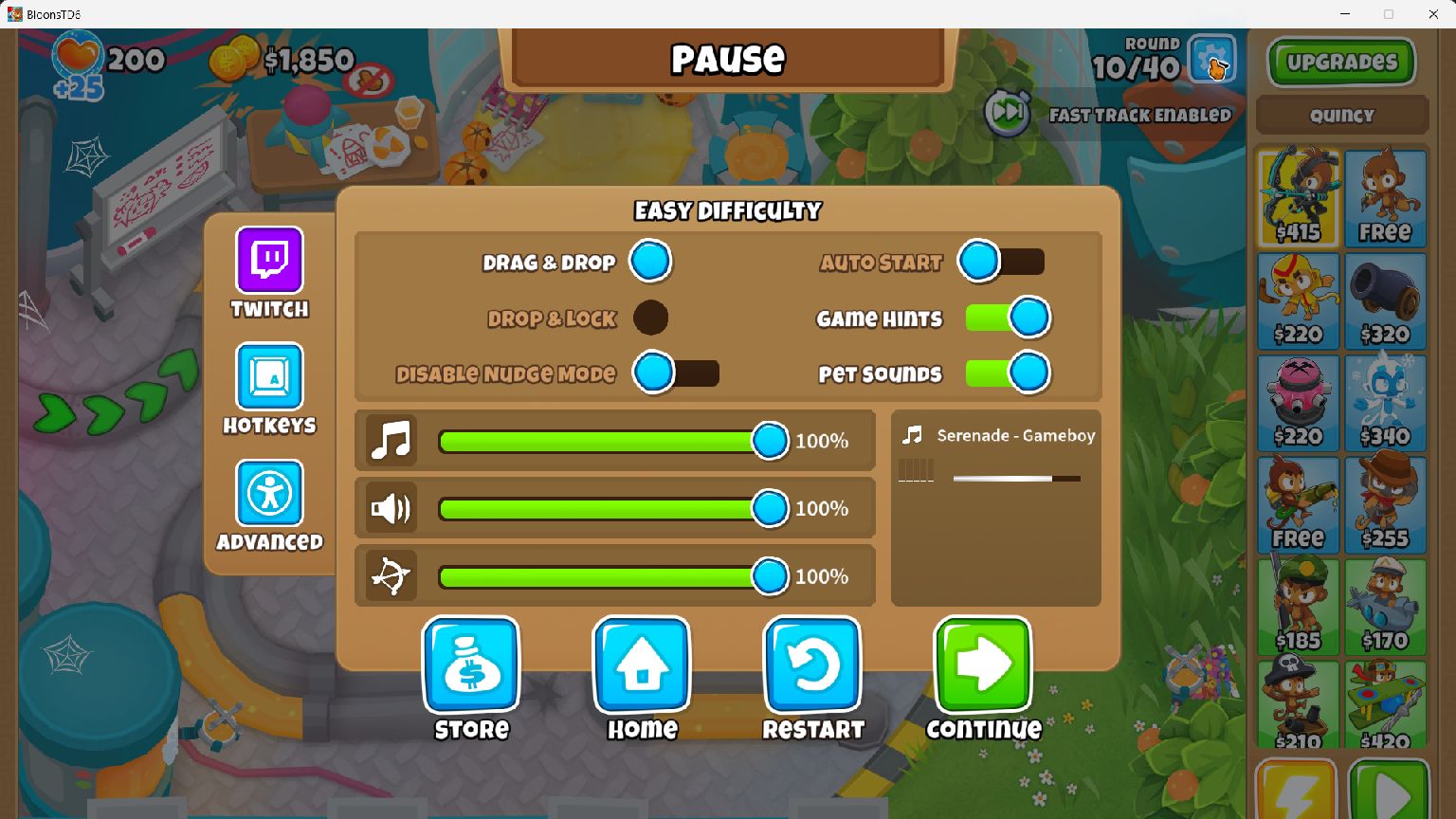
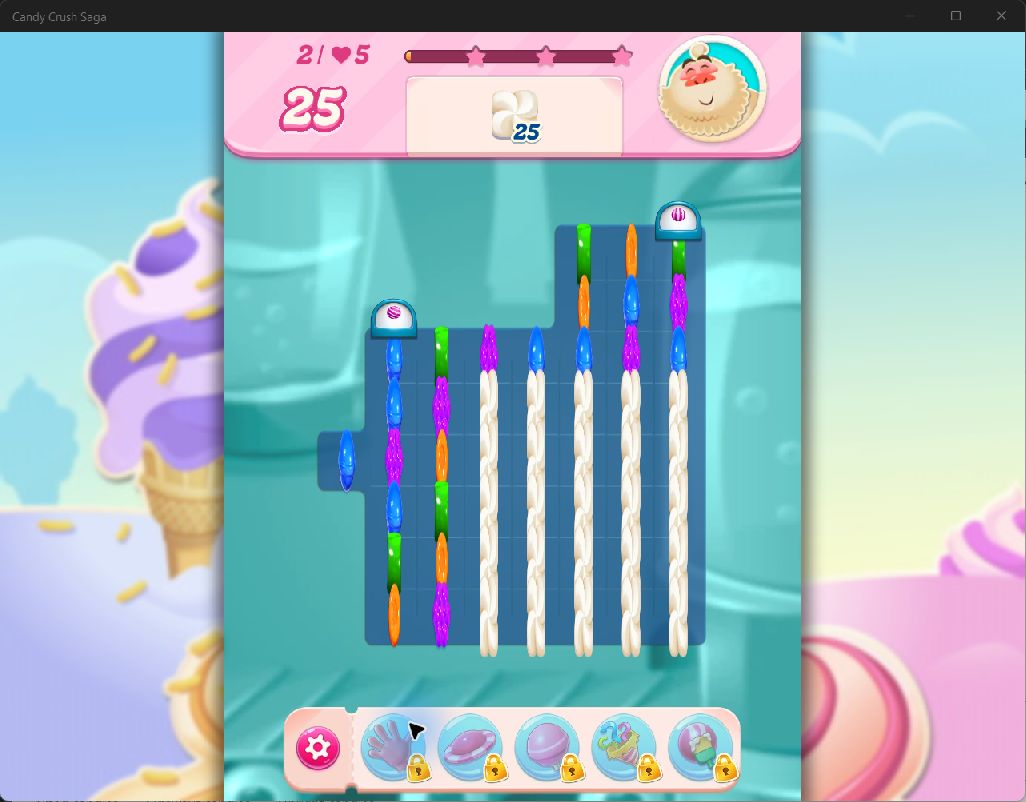
Turn your cheat table into an app people can use. Add value fields, preset buttons and headings, reorder them and pick a skin. Build a macOS app or a Windows portable trainer. Share it or sell it. The people running it don’t need Offset.
Pick from 15 skins, including Windows 95, Cyberpunk and Ink. Change the colours, fonts, texture and frame. Pixel, terminal and handwritten fonts travel with your trainer.
Trainers export value controls, minimum holds and Undo. File patches export as separate Windows file patchers. Live code blocks and Lua scripts stay in Offset. Editable projects include the trainer’s engine source; building needs Rust, native compiler tools and Python. Distribution needs your own signing.
Mods and cheats.
Versioned tables for apps and games, with their controls and supported game builds.
- Five active devices.
- All future updates.
- Plus applicable tax.
- Offset 0.1.4 for macOS and Windows requires licence activation. App downloads come only with your Lemon Squeezy purchase receipt.
- Requirements and licence